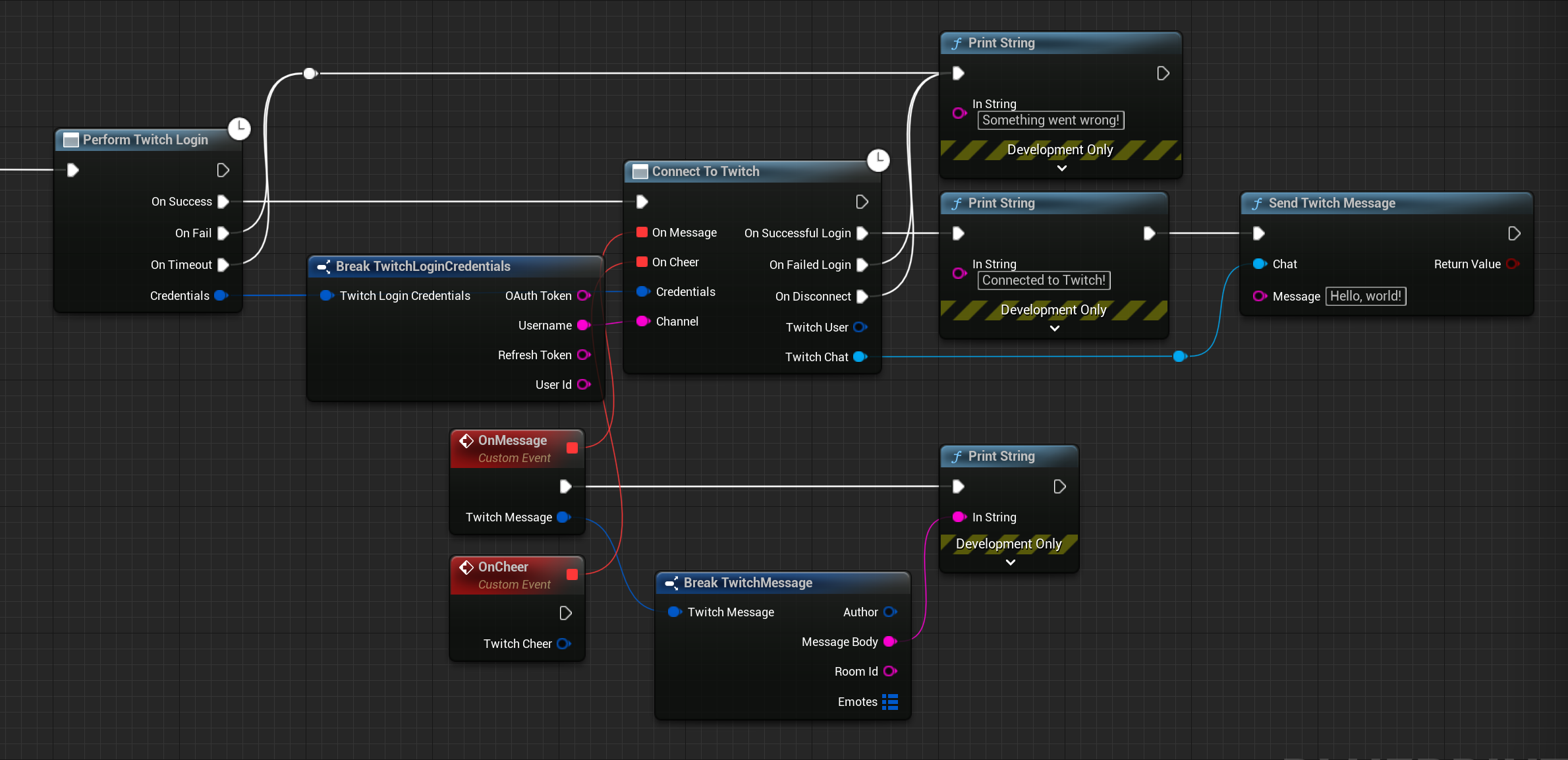
Sending Messages
Printing messages to the screen is all well and good, but what if we want to send messages to our channel's chat? This is where the Send Message node comes in. This node is one of the many nodes that takes in the Twitch chat and does something with it: in this case, it sends a message. To get an idea of the actions that you can run with a Twitch Chat, simply drag out of the Twitch Chat pin and look through the options under the TwiWorks category.
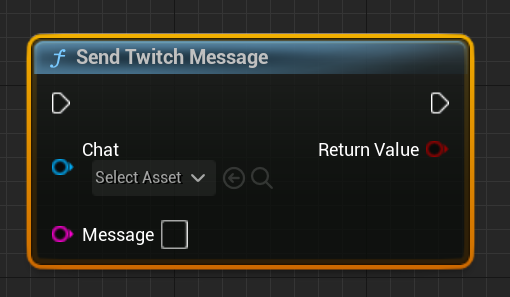
Say we wanted to send Hello, world! to our chat to let everyone know that we're ready to print some messages. To do this, we'd simply connect the Send Message node to the OnSuccess pin of the Connect To Twitch node. If we wire this up with the rest of our blueprint, we end up with the code shown below.
For the Send Message node to work, the Twitch chat needs to be valid. This won't be the case until the OnSuccess pin fires, so make sure you don't connect your code the regular execution pin