Installing TwiWorks
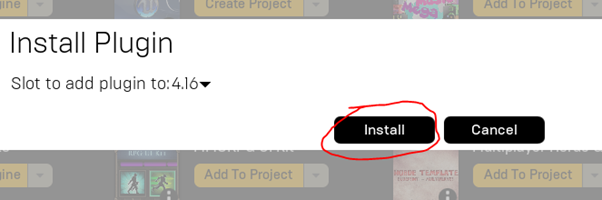
To install TwiWorks, open up your Epic Games Launcher, and head in to Unreal Engine > Library, and scroll down to your Vault. In here, perform a search for TwiWorks, and press the Install To Engine button button. This will pop up a window asking you which engine version to install it to. Select the engine version of the project you plan on using TwiWorks in here, and press Install. You can always install TwiWorks for other versions of UE4 later by following this same procedure.
To get started using TwiWorks in your project, we'll first need to ensure you have a project open. Feel free to use an existing project, or to create a new project. TwiWorks works with both Blueprint-Only and C++ projects.
Now to enable TwiWorks, head into Edit > Plugins. The plugin window should now open. In here, go to installed, Misc, and press the enabled checkbox next to TwiWorks.
